Device Status
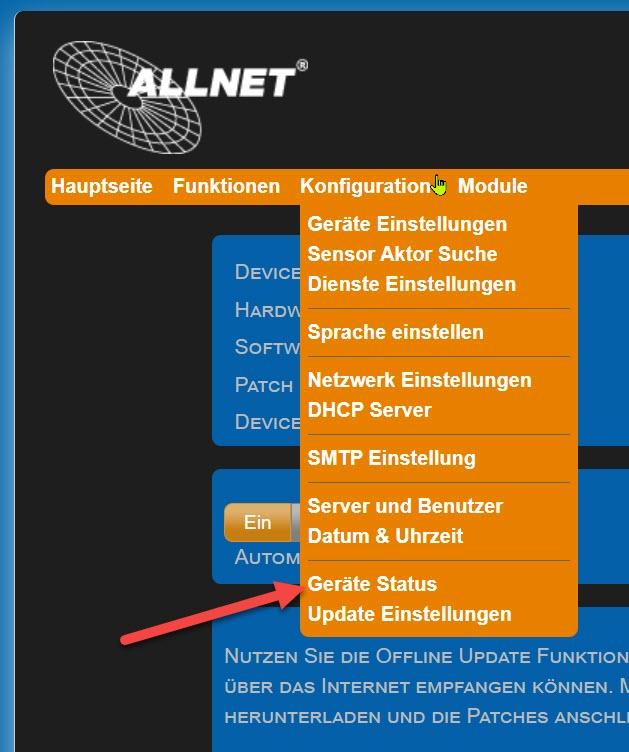
Settings can be found under "Configuration" > "Device Status." The website provides an overview of the system configuration; configurations can be saved and loaded. If necessary, you can reset the device to its factory settings.
• Version Numbers at a Glance: ** Software, patches, hardware, and MAC addresses for LAN and Wi-Fi.
• System Info provides information about memory usage, system time, and operating time.
• Service Overview displays installed services and their status.
**The following actions are possible:
• Save Configuration: Save a backup file of the device configuration (*.cfg).
• Load / Browse Configuration **Loads the desired configuration into the device without activating it immediately.
• Upload **Activates the configuration loaded into the device using "Load Configuration."
• Restart **The system is restarting. A restart takes about 120 seconds.
• Factory setting ** Warning: All settings will be reset. You must confirm a confirmation prompt.